One day with PlancyAI Memos
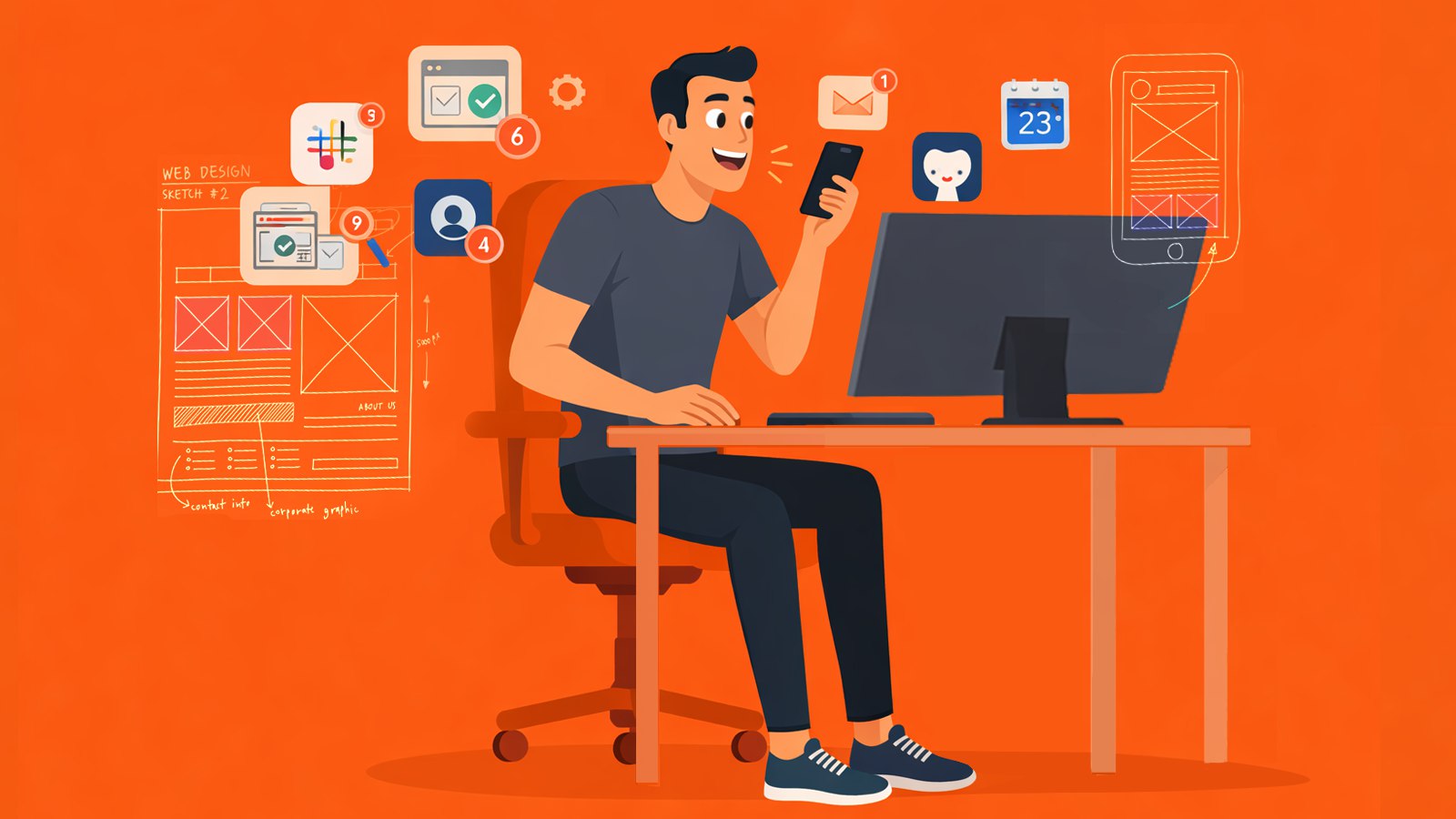
Marcus is 31, a senior UX designer at a SoHo startup that's scaling too fast for its own good. He's on three squads, two Figma files are always open, and his Slack has 47 unread threads before standup. Between syncs, design crits, and "quick calls" that eat 40 minutes, his actual design time lives in 10-minute gaps he has to fight for.
He's tried Notion, Apple Notes, voice memos, even texting himself. Everything works for a week, then becomes another inbox he ignores.
"My brain is a browser with 30 tabs open and I can't find the one that's playing music."
Three minutes before standup
Marcus is walking from the L train to the office, coffee in hand. Last night's design review surfaced two issues he can't forget: the onboarding flow needs a skip state, and the settings icons tested poorly on Android.
He pulls out his phone, taps the PlancyAI widget on his lock screen, and talks while dodging a FreshDirect truck on Broadway:
"Onboarding skip state — users drop off at step three when they can't bail. Need to add a skip CTA with a confirmation. Also, the settings gear icon is too small on Android density buckets — check Material guidelines."
Eight seconds. He pockets the phone and walks into standup knowing the ideas are captured.
By the time he sits down, two memos are already in his inbox — transcribed, summarized, and tagged as Tasks under his 'App Redesign' project.
Home-screen widget capture
One-tap recording from the home screen — capture between meetings without launching an app.
AI transcription + auto-summary
Voice is transcribed and enriched with AI summaries and key details — no typing required.
Between calls, finally some air
Marcus has a 15-minute gap between a design crit and a product sync. He opens PlancyAI and scrolls his inbox. Five memos from today and yesterday, all processed:
- "Onboarding skip state" — Task, detailed AI summary with action steps. - "Settings icon size" — Task, AI flagged 'Material Design' as a reference. - "Coffee chat with Priya" — tagged as Idea, summary captured the feature she pitched. - "Freelancer invoice" — tagged as Task, deadline pulled from his words ('by Friday'). - "Podcast rec from Jake" — tagged as Bookmark.
He taps the onboarding memo. The detail screen shows the full transcript, an AI-generated summary, and a comments section where the AI has already added structured follow-ups. He edits one comment, adds a note — "Sync with eng on skip-state analytics" — and marks the freelancer invoice as Done with a swipe.
No context switching. No opening Linear to paste a note. No Slack message to himself he'll never find.
AI intent classification
Memos are auto-tagged — Task, Idea, Bookmark, Event — so your inbox sorts itself.
Memo comments + follow-ups
AI adds structured follow-ups inside each memo. Add your own comments, flag items, track what's done.
"Didn't I say something about that last week?"
Product sync. The PM asks: "Marcus, didn't you flag something about the checkout animation during the Sprint 8 retro?"
Marcus opens PlancyAI search, types 'checkout animation,' and finds it in two seconds — a memo from nine days ago, filed under 'Sprint 8.' The AI summary says: 'Checkout Lottie animation drops frames on older Android devices. Suggested fallback to static transition below API 28.'
He reads it aloud in the meeting. The PM nods. The engineer opens a ticket on the spot.
Marcus didn't dig through Slack. Didn't scroll through his notes. Didn't say "I think I mentioned it somewhere." He just searched and found it.
Search with filters
Find any memo by text, project, intent, or date — even if you forgot the exact words.
Friday evening — closing the week
The Pro switch
Marcus has been on PlancyAI Free for three weeks. Sixty-something memos, and he hasn't lost a single idea. But he keeps wanting more.
First — he connects Google Sheets. Now every memo exports automatically: date, summary, intent, project, status. He builds a pivot table for his weekly standup prep. Memos from the whole week, sorted by project, filterable by intent. His standup notes used to take 20 minutes to assemble. Now it's a glance at a spreadsheet.
Then — Vault export. Every memo saves as a local file with the full transcript, AI details, and the original audio. He points it at his Obsidian vault. Suddenly his 'second brain' has structure he didn't have to build.
The knockout? AI search summary. He types 'what did I discuss about the redesign this week' and gets a single synthesized paragraph pulling together five different memos. He copies it, drops it in the Friday Slack update, and closes his laptop.
Pro pays for itself in the first week.
Google Sheets export
Auto-export every memo to a spreadsheet — dates, summaries, intents, projects — ready for pivot tables and standup prep.
Vault export (local files)
Save each memo as a local file — transcript, metadata, audio — into Obsidian, Files, or any folder you choose.
AI search summary
Ask a question across all your memos and get a single synthesized answer — not a list, an actual summary.
6:10 PM — 30 tabs down to zero.
Marcus closes his laptop. Inbox: clear. Every idea from every call, every sidewalk brain-dump, every between-meeting spark — captured, summarized, searchable, and exported.
He didn't build a system. He didn't learn a new tool. He just talked, and PlancyAI turned his words into the organized work-log he always wished he had.
He puts on his headphones and walks toward the L train. For once, the only thing on his mind is the playlist.
"PlancyAI Memos. Your brain, but with search."
Up next
One day with PlancyAI Memos
Meet Sarah — working mom, product marketer